Shopify to Zoho CRM Seamless Ecommerce Integration
Bridge the gap between your Shopify store and Zoho CRM. Automatically sync customers, products, and orders for effortless ecommerce management.
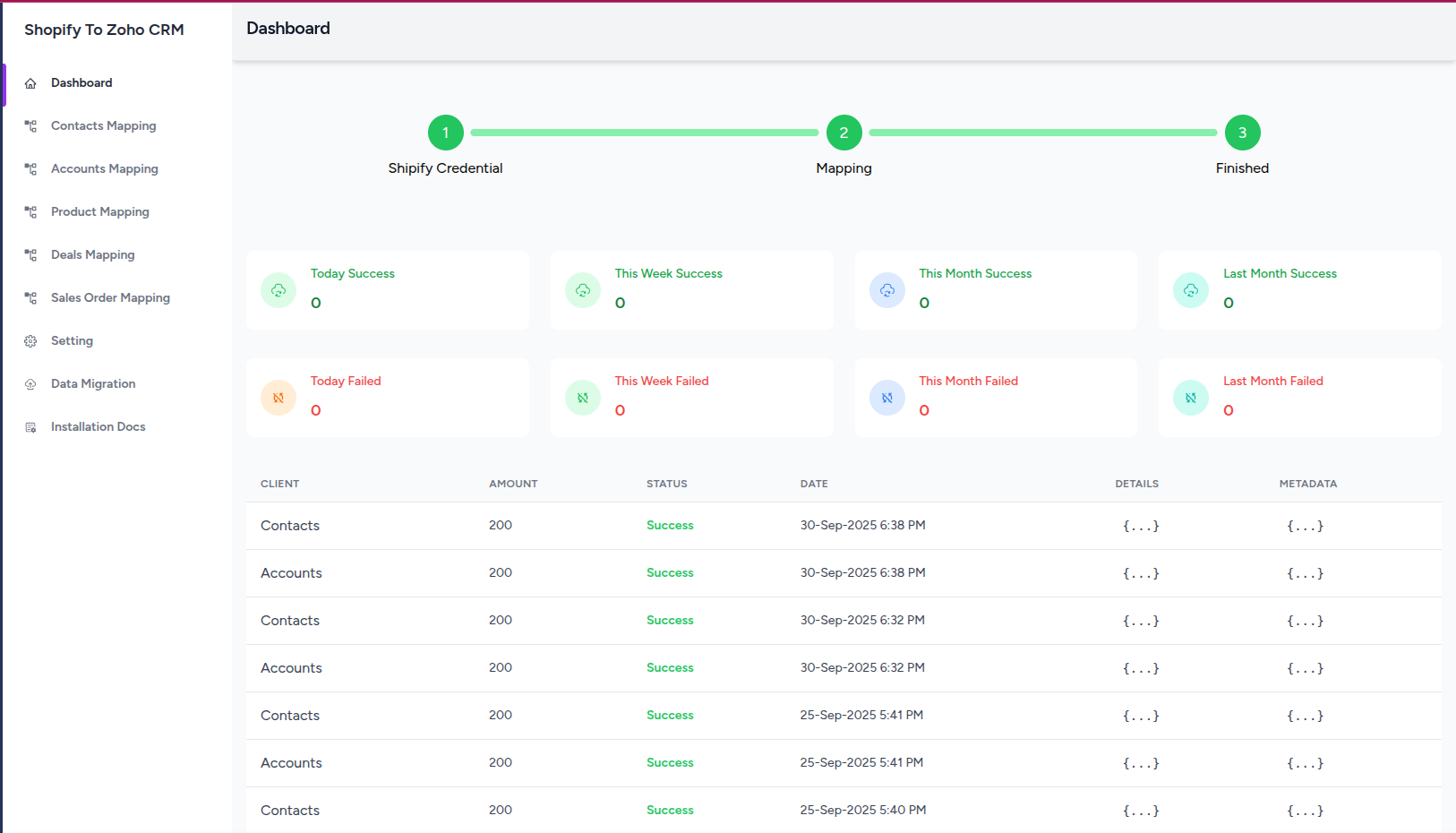
Powerful Features
Everything you need to seamlessly connect Shopify and Zoho CRM
Customer Sync
Automatically synchronize customer data from Shopify to Zoho CRM Accounts and Contacts modules. Keep your customer information up-to-date in real-time.
Product Management
Sync all your Shopify products to Zoho CRM Products module. Keep product information, SKUs, prices, and inventory data synchronized automatically.
Order Synchronization
Automatically convert Shopify orders to Zoho CRM Sales Orders. Track order status, customer information, and product details seamlessly.
Real-Time Sync
Get instant synchronization of new data. No manual data entry required - your Shopify store and Zoho CRM stay perfectly in sync.
Custom Field Mapping
Flexible field mapping allows you to customize how Shopify data maps to Zoho CRM fields. Configure mappings for Accounts, Contacts, Products, and Sales Orders.
Historical Data Migration
Migrate your existing Shopify data to Zoho CRM. Choose from partial or full data migration options to get started quickly.
Why Choose Our Integration?
Streamline your ecommerce operations with a trusted Zoho Marketplace extension
Save Time & Reduce Errors
Eliminate manual data entry and reduce human errors. Automated synchronization ensures accuracy and saves hours of work.
Secure & Reliable
Built with security in mind. Your data is encrypted and securely transferred between Shopify and Zoho CRM.
Easy Setup
Get started in minutes with our intuitive setup wizard. No technical expertise required - just follow the simple steps.
Expert Support
Get dedicated support from our Zoho-certified team. We're here to help you get the most out of your integration.
How It Works
Get your Shopify store connected to Zoho CRM in just a few simple steps
Install Extension
Install from Zoho Marketplace and access the settings page
Connect Shopify
Connect your Shopify store using Admin API access token
Map Fields
Configure field mappings for Accounts, Contacts, Products, and Orders
Start Syncing
Test the integration and start automatic synchronization
Simple, Transparent Pricing
Choose the plan that works best for your business
Free Trial
10 days only
- Real-time data synchronization
- Customer, Product & Order sync
- Custom field mapping
- Email support
Monthly
Billed monthly
- Everything in Free Trial
- Unlimited real-time sync
- Email support
Yearly
Billed annually ($264/year)
- Everything in Monthly
- Historical data migration
- Partial or full migration options
- Priority support
* Free trial is valid for 10 days. Real-time syncing works on all plans. Historical data migration is available with yearly subscription only.
Watch How It Works
See the Shopify to Zoho CRM integration in action
Prerequisites
Shopify Store
Administrative access to your Shopify store
Zoho CRM Account
Zoho CRM account with API access permissions
Shopify Admin API Token
Admin API access token with required scopes
Important Notes
Shopify Plan Limitations
Full customer PII (names, emails, addresses, phone numbers) is only available with Shopify Advanced or Plus plans. Basic and Standard plans have restricted access to this data.
Allow Pop-ups
Zoho authentication requires pop-up windows. Ensure your browser allows pop-ups for this site to complete the authentication process successfully.
Mapping Dependencies
Account mapping must be completed before Sales Order mapping. Sales Orders require linked Account information to function properly.
Ready to Streamline Your Ecommerce Operations?
Join 100+ businesses already using our Shopify to Zoho CRM integration to automate their workflows